 Game Sub Cost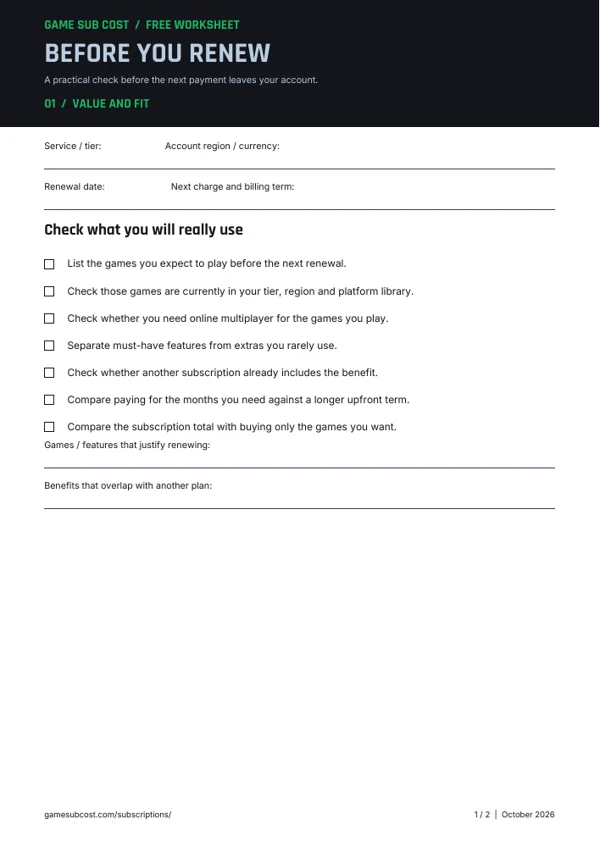
FREE PDF · 2 PAGES
Before You Renew
Check your games, billing term and sharing needs before your next renewal.
Stop the next renewal, check your end date and understand which benefits end with your membership.
Follow the steps for the platform or store that manages your subscription.
Check the refund conditions for the provider or store that took your payment.
Review what remains available and which membership benefits end when you cancel.
Use these free printable worksheets to plan spending and make your next subscription decision.
FREE PDF · 2 PAGES
Check your games, billing term and sharing needs before your next renewal.
Use the account that owns the membership, even if another person supplies the payment method. Check the next charge before changing anything. Keep the confirmation and the end date together so you can distinguish a stopped renewal from an unsuccessful attempt.
The official account-management entry point is linked in Sony’s cancellation guide. Use that route if a console or app menu looks different from these steps.
If you still need some benefits, compare the regional PS Plus plans with the tier you currently pay for. Sony’s Change Plan instructions explain the timing of upgrades and downgrades.
For a membership you use only during part of the year, compare the actual local monthly and annual prices in the billing calculator. An annual payment is a full commitment even if you play for fewer months.
Open the official refund eligibility page and use the policy for your account country. Sony currently directs eligible transactions through Transaction History’s refund option or PlayStation Support. Keep the purchase date, receipt and account country available.
Do not treat a membership cancellation confirmation as a refund approval. Check for a separate refund decision and follow the provider’s instructions for that payment.
Check the provider’s current instructions and policies. These sources were reviewed for this guide; account and country rules can differ.
Find answers to common questions about the costs, features and assumptions covered on this page.
Ordinary cancellation stops future renewal. Sony says benefits continue until the paid membership period ends. A refund or another account action may have a different outcome.
Yes. Sony distinguishes purchased discounted games from games supplied as a subscription benefit. Cancelling does not turn a monthly claimed game into a purchase.
Do not assume so. The US subscription checklist is for an eligible first payment within 14 days of signup, rather than a recurring charge. Check your account country’s current policy and ask PlayStation Support about the actual transaction.
Yes. Sony’s Change Plan flow lets you select a different tier. A downgrade takes effect at the next payment date, when benefits exclusive to the previous tier end. Review the new plan and renewal price before confirming.